

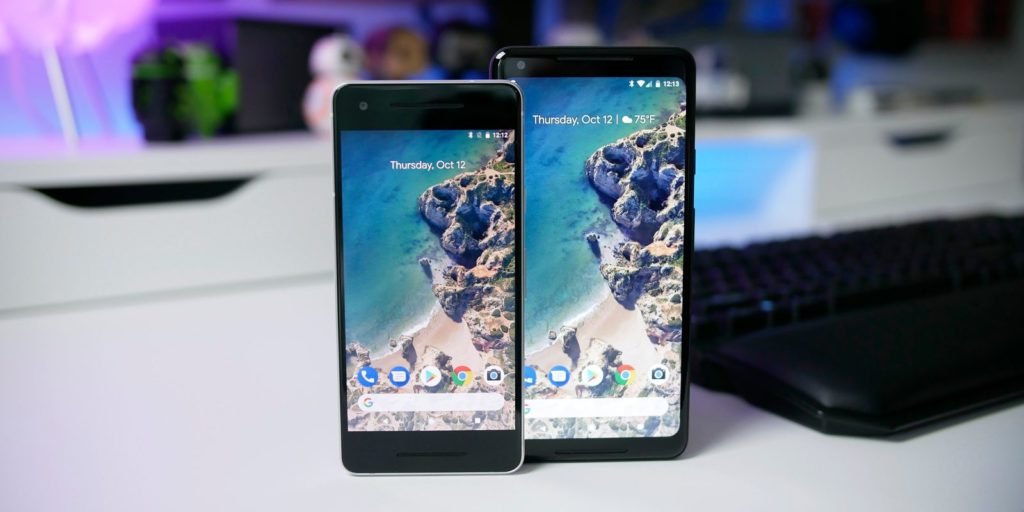
When it comes to backing up and restoring data, Android does not have a good reputation of handling it. However, the recent versions have been a lot of better as they offer these options to the users. Since the Marshmallow update, automatic app data backups have made switching between phones much easier. Subsequently, it brings all the apps and settings with the users. According to a recent development, Android 8.1 will let you restore data from a Google account even if you select to skip the option during initial setup. This new feature was first discovered by an Android enthusiast Henry Roggy. As soon as he found out this new and surprising feature, he reported the change on his Google+ profile by stating:
“Wow! I just found out that I can restore all my apps from the Google drive backup after I factory reset my device! That’s so cool! Is this new”

Also Read: Android 8.0 Oreo update to roll out in the beginning of 2018
Procedure of restoring data
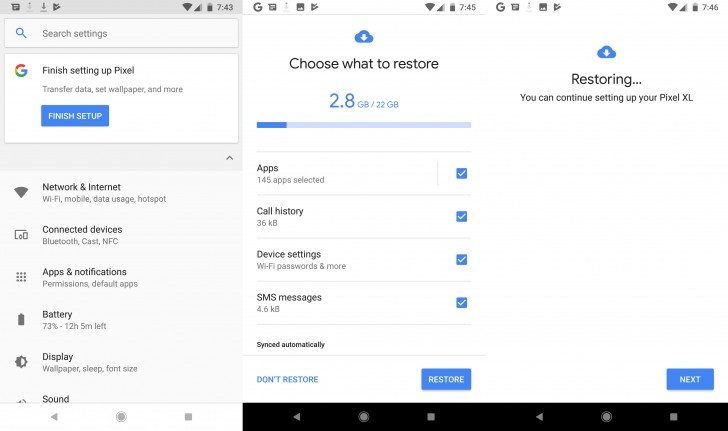
If you factory reset your device then all you need to do is tap to Settings and discover the banner which lets you complete the setup. Click on ‘Finish Setup’ and continue the steps which you may have skipped. This also includes restoration of data from the Gmail account which you must have used to sign-in into the phone.
It is pertinent to mention that Google has now been paying heed to such small transitions even though this one’s not a massive change to the operating system. However, these little changes can make life better for Google phone users and could also potentially save them from headaches.
Quick Read: Discover bugs in the top Android apps and get paid $1000
After Android 8.0 Oreo, Android 8.1 is the primary maintenance release. At present, the owners of Google Pixel can install the Beta version of Android 8.1, before it is publically available for download. Some of the new features which the update will bring include the possibility of Chrome and SMS integration and self-dimming navigation buttons to avert burn-in.