


When iOS8 launched, everyone talked about the HealthKit as though it was the greatest thing since sliced bread. While it hasn’t come close to that expectation just as yet, there are some integrations with other health apps that allow you to get a better picture of your overall health at a glance. At last count, around 100 health tracking apps integrate with the Apple Health app, but you aren’t going to download them all and neither am I. Here’s a look at 5 integrations worth trying.
What is the Apple HealthKit?
The new Health app included in iOS8 provides you with an easy to examine dashboard for your health and fitness. HealthKit is the tool developers are using to integrate the data their apps collect with this app. What’s great about this is that you can continue using your favorite apps, and they automatically transfer data into the Apple Health app for you to get a more complete picture. Let’s say you track what you eat using one app, and your exercise with another. With the Health Kit, all this data is collected into one dashboard. You can easily compare calories in vs. calories out with one look.
The Health app is, however, about more than just the calories you eat or burn. Track steps, heart rate, blood sugar…the list is endless. You can even provide your doctor with a more complete picture of your health, and create an emergency card that can be accessed from your lock screen to easily view your allergies and blood type.
5 Integrations to Try
With so many apps integrating with the Health app, here are 5 integrations I personally like.
1. My Fitness Pal
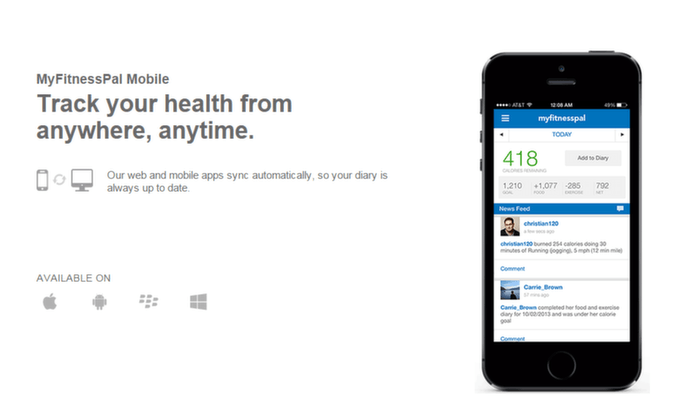
My Fitness Pal
Millions of people use My Fitness Pal to track the food they eat. The app allows you to scan barcodes, search from a database of thousands of foods and also create your own recipes. You can also track exercise and weight in this same app. With the HealthKit integration, you can now access all this data (along with all the nutritional data of each day) in the Health app dashboard. An excellent way to see trends in your food intake, and even share information with your doctor about the amount of cholesterol or nutrients you eat every day.
2. RunKeeper

Runkeeper
While the app may be called RunKeeper, it tracks a number of exercise types. However, it’s GPS function means it’s perfect for tracking walks and runs, since it keeps track of how far you walked, the route you took and the calories you burnt. Again, this integrates with the Apple Health app, which means you can get all this data incorporated into one dashboard at the end of the day.
3. Up by Jawbone
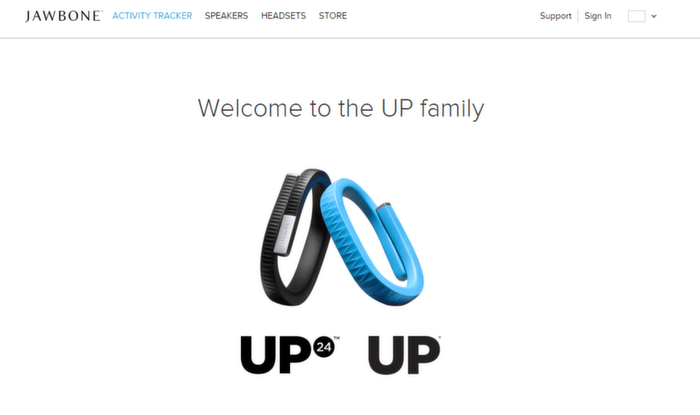
UP by Jawbone
If you didn’t already notice, wearable technology is the in-thing. To that end, we’ve added two apps to this list that keep track of your health while masquerading as fashion accessories. First up is Jawbone’s line of products, which syncs with the Up by Jawbone app.
The app will track your steps and sleep data, and automatically sync it with the Apple Health app. The app itself offers a lot more including suggestions on how you can improve your health by making incremental changes. All in all, if you’re looking at wearable technology that will seamlessly sync with your iPhone, Jawbone UP is the way to go.
4. Sync Solver for Fitbit
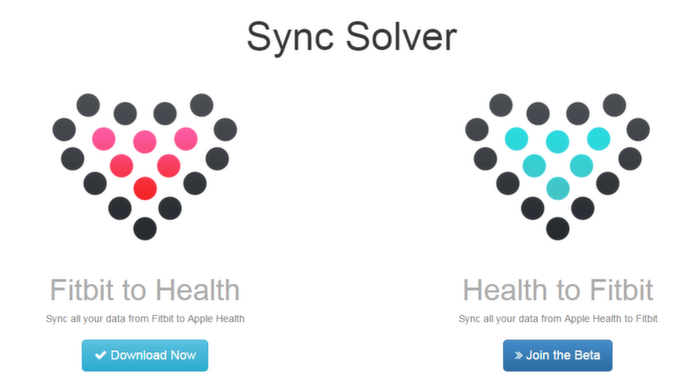
Sync Solver
Fitbit is the other wearable technology on this list. While it doesn’t look anywhere near as stylish as the Jawbone UP, it has the added hassle of not having an integration between it’s native app and the Apple Health app. While it may never allow for this integration due to various reasons, iPhone users can use Sync Solver to integrate their data into their Health app. It works both ways, as you can integrate Fitbit data into Health app, and vice versa.
By connecting the two, you will be able to bring in your steps, flight climbed, distance, weight, body fat percentage, resting calories and active calories. You can also track your sleep analysis through the integration. Users have said that the app syncs seamlessly, and they didn’t notice any issues. The app developers have said that due to the way iPhone’s track steps, that is one thing that might be “over-estimated”.
5. Sleep Cycle

Sleep Cycle
People wonder why someone would want to track their sleep. That might be a good question. But still, if you’re like me and want to track how well you sleep, Sleep Cycle is the best app (unless you have a FitBit Flex, or Jawbone UP, which will track this for you). While it’s not free, the app does track every minute of your sleep cycle and even has smart alarms that wake you up when you are in light sleep cycle. Knowing how well you’re sleeping, the average number of hours you spend asleep and the quality of sleep is going to sync seamlessly to Apple HealthKit allowing you to incorporate data from other apps to help improve your quality of sleep.